

Access 1,000+ lessons and podcasts at theSTEMmajor.com when you grab a bundle at Payhip or join PLEM Academy. How to Approach Sequences and Series in Calculus
admin
198 posts

Access 1,000+ lessons and podcasts at theSTEMmajor.com when you grab a bundle at Payhip or join PLEM Academy. The Purpose of the Ultimate Crash Course for STEM Majors

Access 1,000+ lessons and podcasts at theSTEMmajor.com when you grab a bundle at Payhip or join PLEM Academy. The Ultimate Crash Course for Calculus

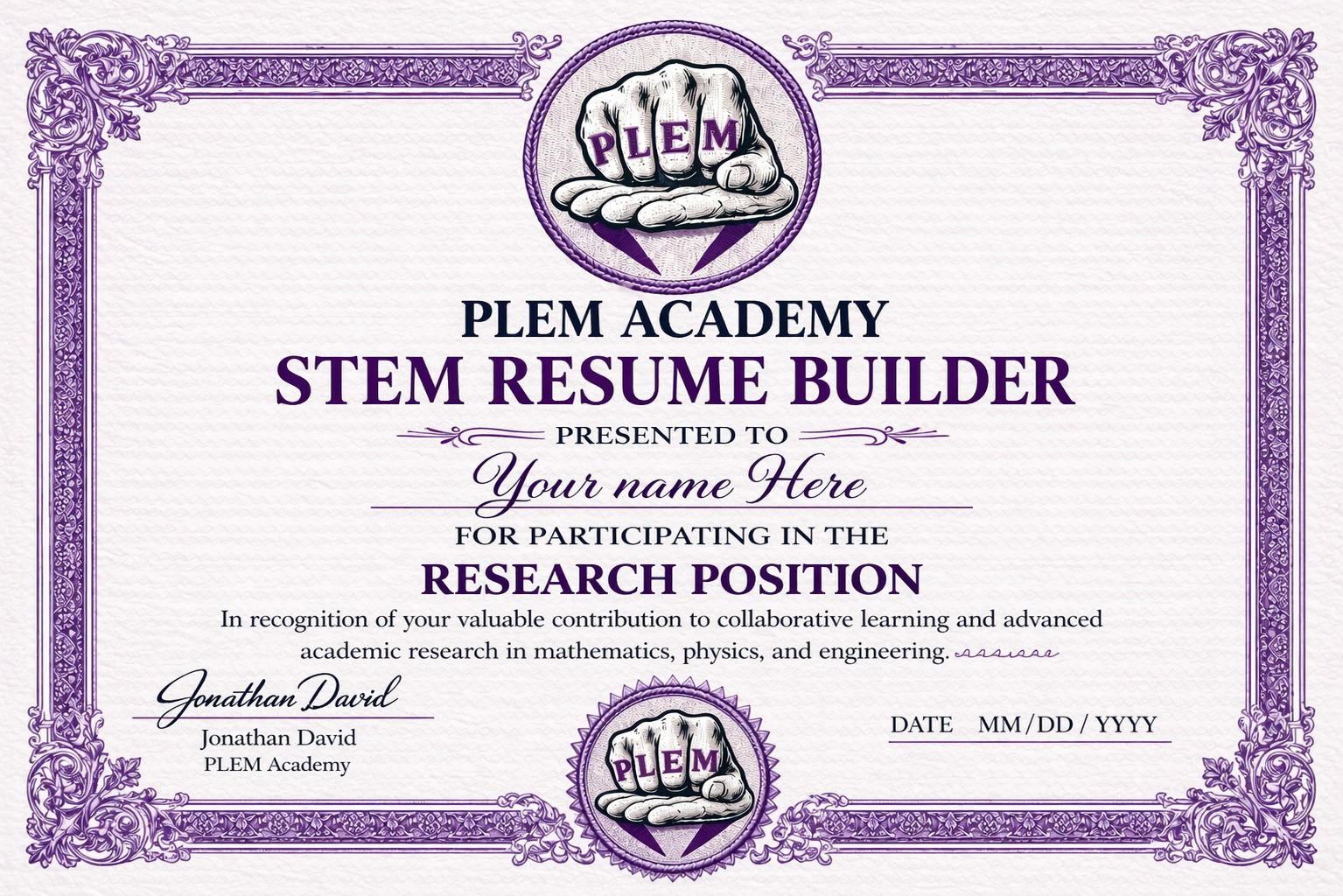
PLEM Academy Certificates STEM Resume Builder Certificate Overview › STEM Resume Builder Certificate highlights your ability to build, organize, and present a professional academic and technical resume through structured project work in the PLEM Academy research position. Month 1: Setting Up Your Textbook › Lesson 1: How to Format Your...

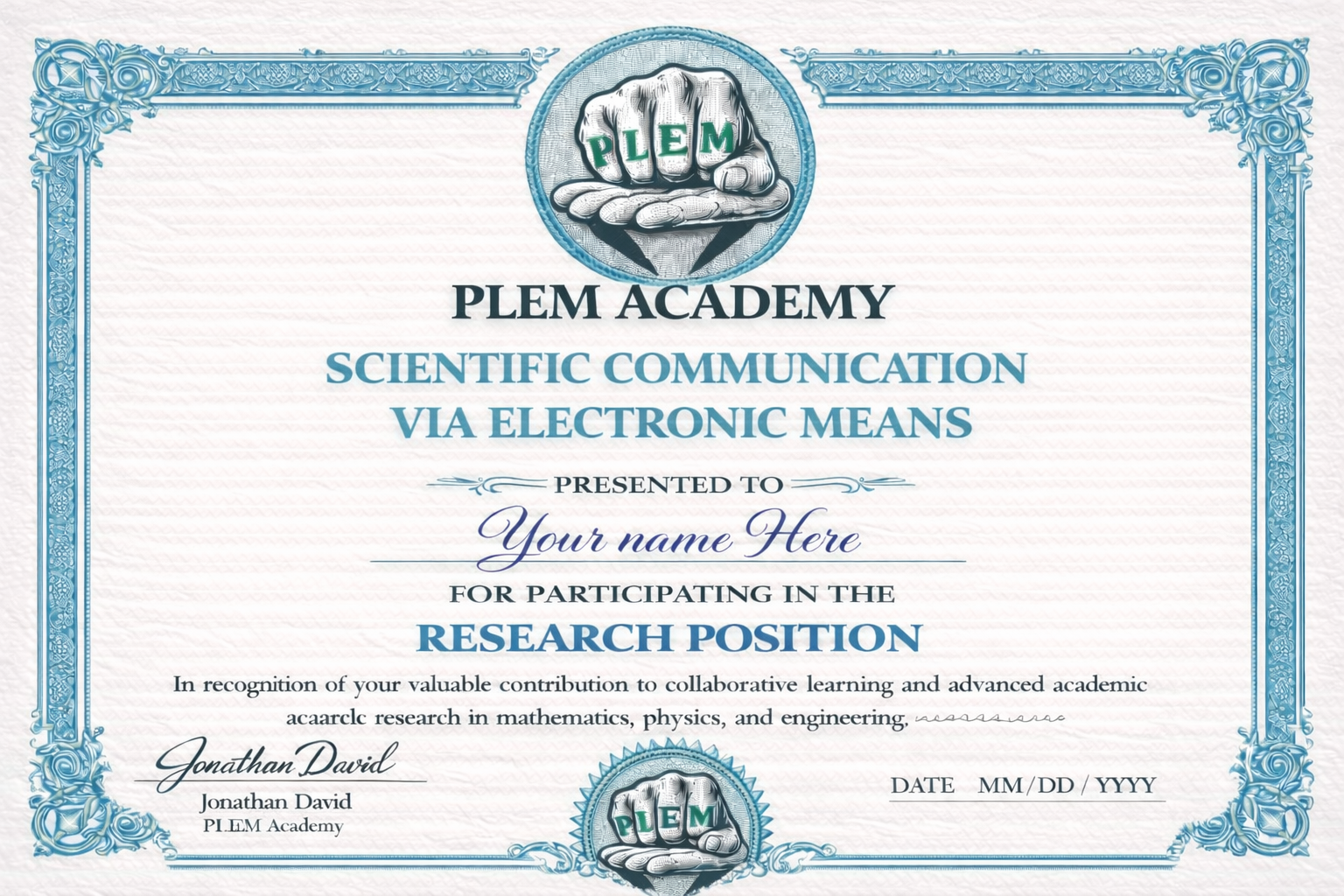
Introduction to Scientific Communication via Electronic Means
This lesson introduces the Scientific Communication via Electronic Means Certificate inside the P.L.E.M. Academy ecosystem.
The certificate focuses on integrating:
- Microsoft Word Math Print
- WordPress website development
- Jetpack LaTeX formatting
- ChatGPT workflow integration
- Professional STEM communication
- Technical writing and documentation
The lesson explains that students are not simply learning mathematics or physics independently. They are simultaneously learning how to communicate technical material professionally across modern electronic systems.
Fixing Blurry WordPress Images
At the beginning of the lesson, Jonathan demonstrates how to fix blurry WordPress thumbnails by properly resizing the image inside Canva using the YouTube thumbnail dimensions rather than uploading lower resolution versions.
The lesson explains how incorrect image sizing causes thumbnails to become cropped, blurry, and distorted inside accordion layouts and WordPress lesson systems.
Students are shown how to:
- Use Canva for high resolution thumbnails.
- Resize images to YouTube thumbnail dimensions.
- Replace blurry thumbnails with clearer versions.
- Update featured images inside WordPress.
- Improve visual presentation quality.
How the Communication Workflow Functions
A major portion of the lesson demonstrates how students should respond to mathematical discussions and research problems inside the P.L.E.M. Academy lesson system.
The intended workflow is:
- Type mathematics professionally in Microsoft Word.
- Use the Word equation editor with Math Print.
- Take screenshots of the formatted mathematics.
- Send the screenshot into ChatGPT.
- Have ChatGPT rewrite the screenshot into Jetpack LaTeX code for WordPress.
- Paste the resulting code into the WordPress comments or lesson system.
The lesson explains that this workflow helps students practice:
- Microsoft Word
- WordPress
- ChatGPT integration
- Jetpack LaTeX
- Technical communication
- Scientific writing
Using Microsoft Word Math Print
Students are shown how Microsoft Word automatically converts typed LaTeX-like syntax into formatted mathematical notation using Unicode Math formatting.
Example:
$latex \int_a^b&s=2$
The lesson explains that Microsoft Word internally converts typed mathematical syntax into Unicode mathematical symbols and images.
Jonathan also explains that Word uses:
$latex \iff&s=2$
for “if and only if” statements while other LaTeX systems may use different syntax depending on the package configuration.
Jetpack LaTeX and ChatGPT Workflow
The lesson demonstrates how ChatGPT sometimes defaults to standard LaTeX formatting rather than Jetpack LaTeX formatting.
Students are shown how to correct this by explicitly referencing the Jetpack LaTeX documentation:
https://jetpack.com/support/beautiful-math-with-latex/
The lesson emphasizes that students must train AI tools properly in order to obtain the correct formatting for their WordPress websites.
Example Jetpack formatting:
$latex x^2+y^2=z^2&s=2$
Building Versatility for Professional Careers
A major theme throughout the lesson is versatility.
Jonathan explains that students who combine:
- Microsoft Word
- WordPress
- ChatGPT
- LaTeX formatting
- Technical communication
are gradually building highly valuable professional communication skills that can later be placed directly onto their resume.
The lesson argues that years of repeated technical communication practice create much stronger professional preparation than simply memorizing isolated homework solutions.
“You're becoming versatile. You're getting practice over years being versatile.”
Final Message
The lesson concludes by explaining that the Scientific Communication via Electronic Means Certificate is designed to help students slowly build modern professional communication skills while simultaneously learning STEM subjects.
The overall goal is to help students become capable of writing, formatting, organizing, and communicating technical information professionally across multiple modern software systems.

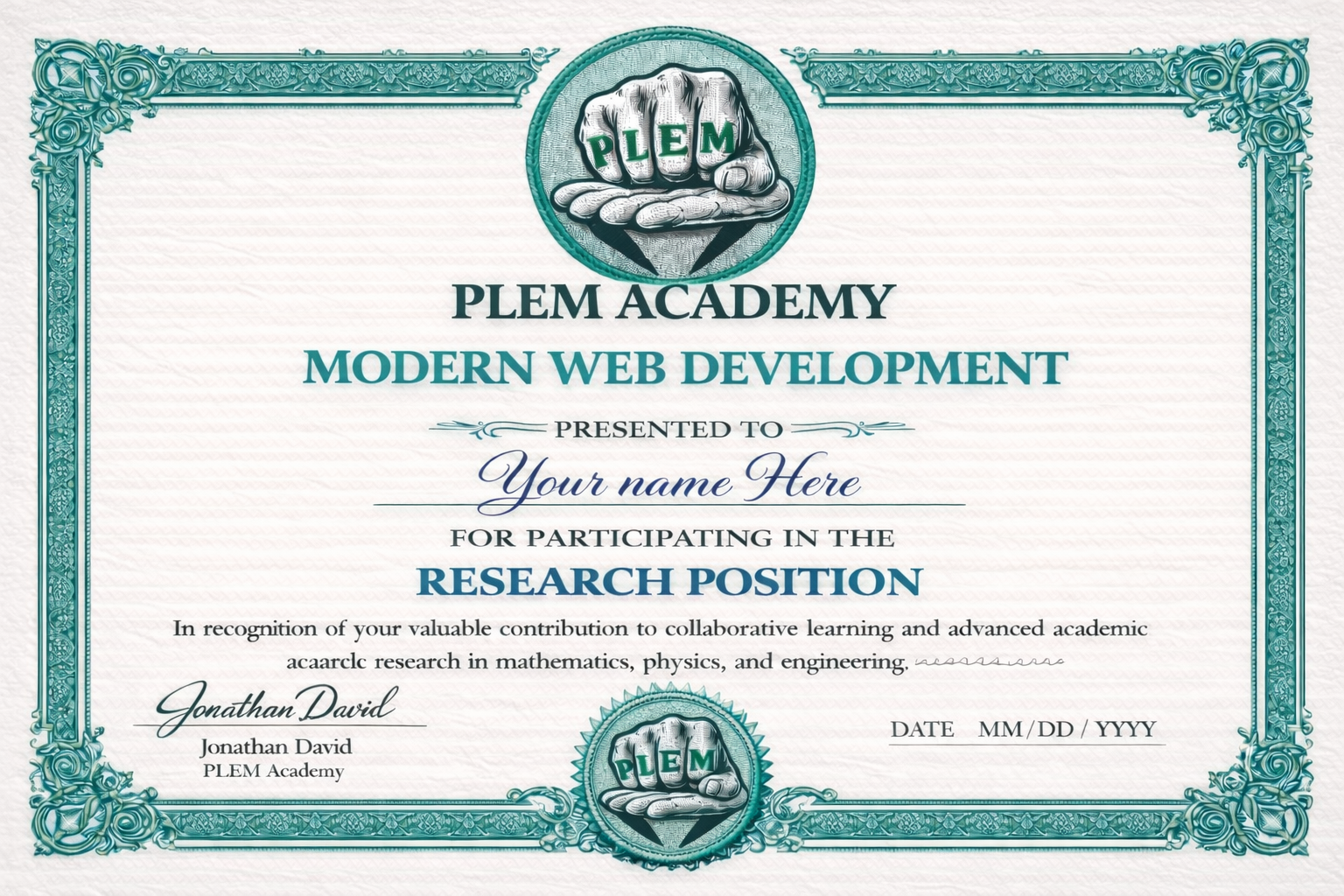
PLEM Academy Certificates Modern Web Development What This Certificate Covers › Modern Web Development Certificate recognizes participation in the PLEM Academy research position with a focus on structured web development, academic presentation, and technical communication. Organization: PLEM Academy Focus: research position, web development, and academic project work Month 1: WordPress...
COMING SOON Example of how your textbook will appear. The first student(s) are working on their books now—that is, this page will not have the titles for 12-24 months (or sooner) as the students write their books. (as of April 19 2026) Student: Jonathan David Major: Math/Physics



Applying Calculus to Physics This post explores the relationship between mathematics, calculus, physics, language, and problem solving, with a strong focus on how students should think when moving from symbolic math into physical application. Visit PLEMAcademy.com and browse bundle packages at Payhip. You can also access extended lessons and podcasts […]
How to Learn Math Faster in College This post explains why the fastest long term way to learn college mathematics is actually to slow down at the beginning, read the textbook properly, and build the right habits before the courses become advanced. Visit PLEMAcademy.com and browse bundle packages at Payhip. […]
Staying Motivated in a STEM Degree This post explores discouragement, burnout, stress, and motivation in math based degrees while encouraging students to think seriously about whether they are on the right academic path. Visit PLEMAcademy.com and browse bundle packages at Payhip. You can also access extended lessons and podcasts through […]